

How to Integrate with Nuki
Ready to build something great with Nuki? Whether you’re looking to improve your own workflows at home, in your office, or you wish to offer an integration to others, it’s good to have an overview as to what you can do with Nuki.
Devices
Section titled “Devices”Smart Locks
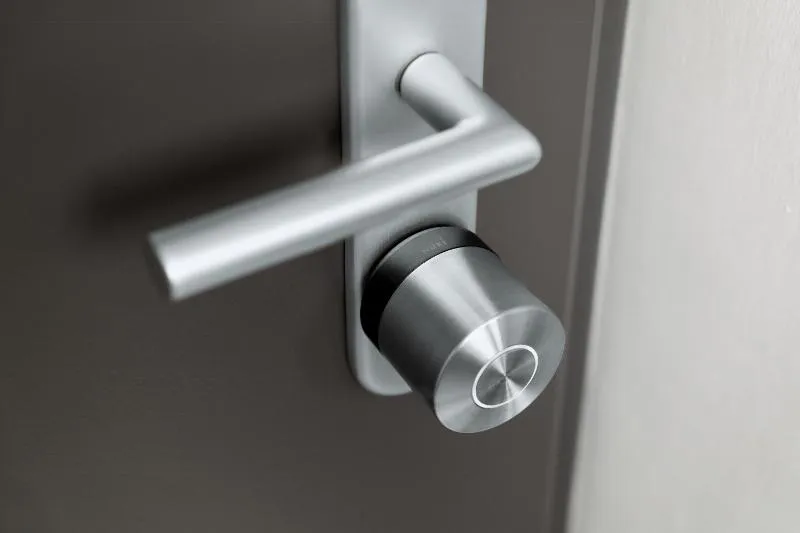
Section titled “Smart Locks”Smart locks are our primary device, used to enable keyless entry to single-family homes and apartment doors.
They can be operated locally via Bluetooth, as well as with remote access via the internet. You can decide whether someone can operate the smart lock remotely or not.
Read more about how to identify our device types via the API.
Openers
Section titled “Openers”Openers are devices attached to your apartment intercom, allowing you to operate the front door of the apartment building. This expands keyless entry to also include the apartment building.
Openers can be operated locally via Bluetooth, but are most commonly operated with remote access via the internet. This is because the apartment building entrance is usually outside of bluetooth range of the opener, so you wouldn’t be able to open your entrance door without remote access.
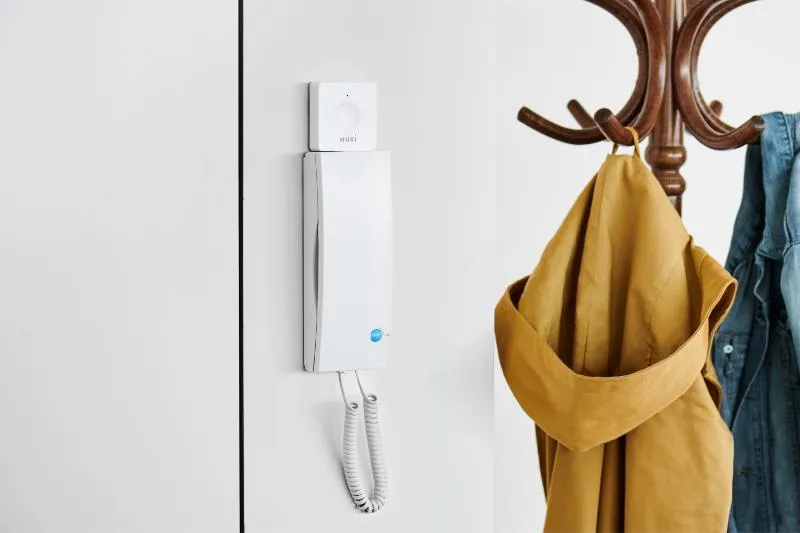
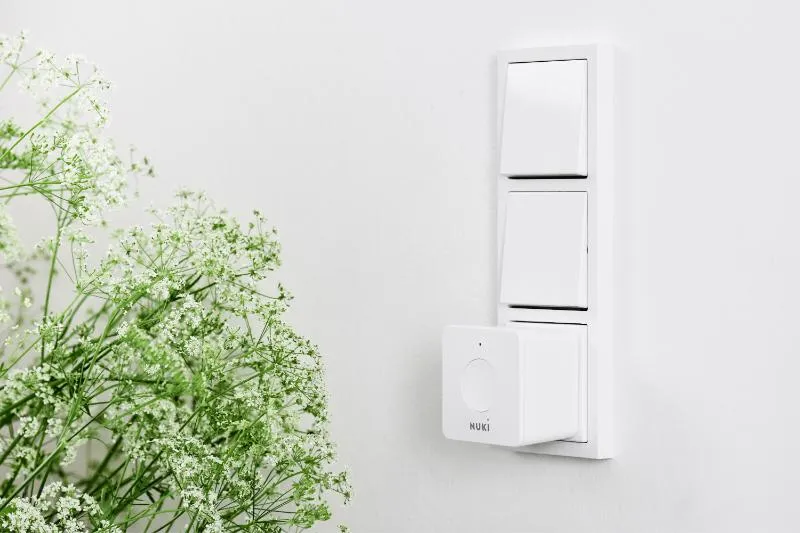
An opener does not have remote access capabilities itself, but obtains these by being connected to a bridge via Bluetooth.
Read more about how to identify our device types via the API.
Operation
Section titled “Operation”Smartphone
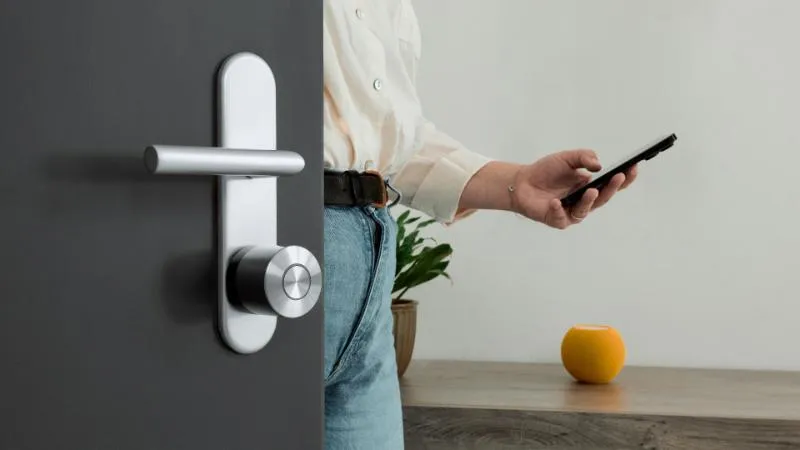
Section titled “Smartphone”Operating a Nuki device from the smartphone applications for iOS and Android is very simple.
Users are invited to access a smart lock via means of an invite code, which is valid for 48 hours. Once the user has redeemed this code, they are able to operate the device. The inviter can decide with every invite whether to grant access to remotely operate this device.
Access to devices can also be time restricted (e.g. Monday - Friday, 09:00 - 17:00), as well as date restricted (e.g. 1st October 2026 - 3rd October 2026).
Keypad
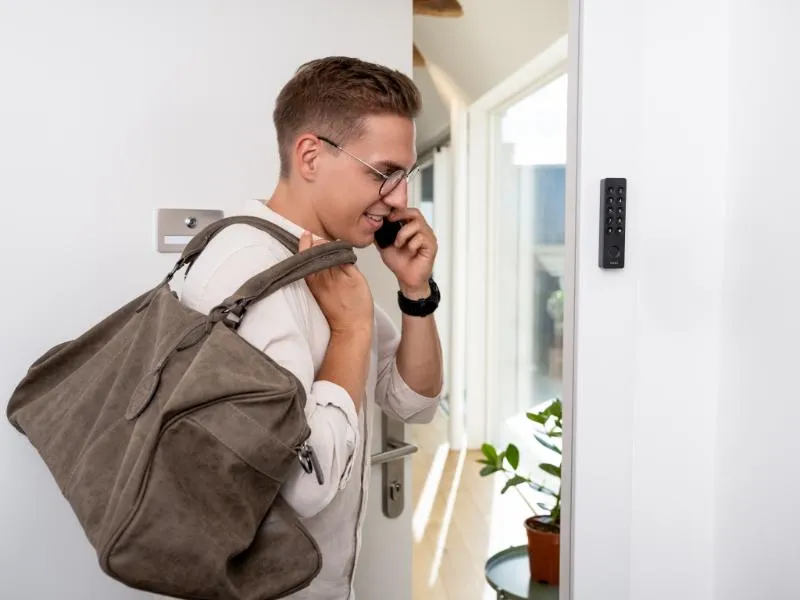
Section titled “Keypad”It’s also possible to generate a keypad code, when a keypad is connected to a device. A keypad code is 6 digits, and allows the user to access the property without needing their smartphone.
Keypads are most commonly used in single-family homes and on apartment doors in combination with a smart lock. They communicate with a smart lock via bluetooth and therefore need to be in close proximity to the device.
Remote Operation
Section titled “Remote Operation”Optionally you can operate a device via remote access, issuing such commands as unlocking and locking of smart locks.
This circumnavigates the need to create dedicated authorisations for your users, as all actions are executed as the authenticated REST API user.
This is the quickest way to integrate devices into your application, but it does have a couple of drawbacks.
In the event of an internet outage or server outage, the device cannot be operated via remote access, whereas the smartphone applications and keypad will both continue to operate via bluetooth. Additionally, it allows your users to trigger actions from any location, which might lead to accidental unlocking of doors.
Authorization
Section titled “Authorization”We offer two methods of authorization via our REST API: API Tokens and OAuth 2 Authorization Code Grant. API Tokens may be used for personal use, but to integrate with other users, you will need to implement the OAuth 2 Authorization Code Grant.
Implementation Considerations
Section titled “Implementation Considerations”A few final recommendations from us to consider when implementing your integration:
- Which method of access do you wish to grant your users?
- Do your users require permanent or only temporary access?
- What is the lowest scope of permissions that you require from the customer?
- How will your integration perform without an internet connection?
- We recommend using the smartphone apps as smart locks can be operated locally via bluetooth as a fallback
- An active internet connection is always required to transfer an authorization from the server to the smart lock
- Offering a solution for short-term rental of properties?
- Your customers will require an active Smart Hosting Subscription (SHS) for your integration to function
Integrating with other Customers
Section titled “Integrating with other Customers”If you’re looking to offer your integration to other customers, then there are a few steps to follow.
Check out the dedicated page on how to become an integrator.